A Missing Light Exposes a Growing Privacy Gap
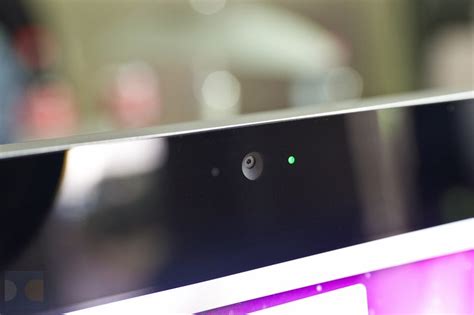
Back in 2003, when Apple unveiled its original iSight webcam, the design stood out with its cylindrical aluminum casing and oversized glass lens — distinctive traits that vanished once smaller iSights (later rebranded as FaceTime cameras) were integrated directly into Macs. Yet one feature persisted on every Mac camera: a tiny green LED that glowed whenever the camera was active. Even today, that indicator sits beside the lens atop every MacBook display, signaling camera operation regardless of whether the live feed is visible on screen.
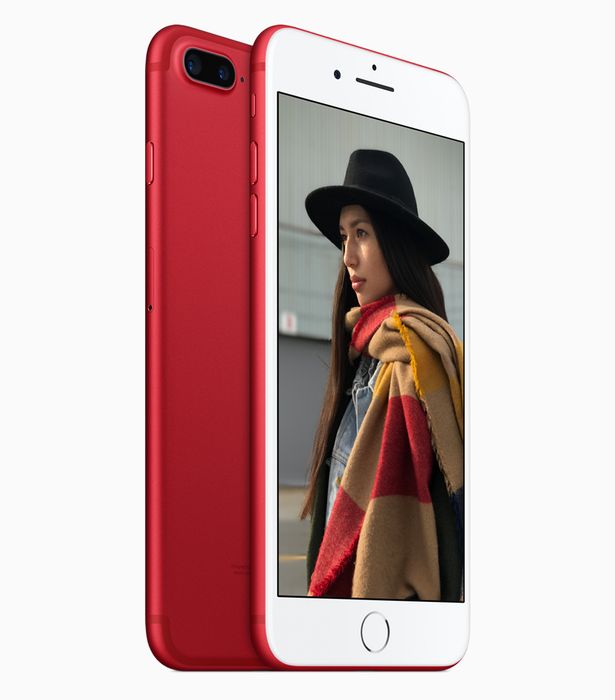
I recall feeling uneasy when the first FaceTime cameras appeared on iPhones without that green light. The iPhone’s bezel had plenty of room for such an indicator, but Apple chose to omit it — and did the same on iPads and iPod touches. In principle, a dedicated light wasn’t strictly necessary: iOS could theoretically show a colored status bar, a live preview window, or some other on-screen cue. For most of the past eight years, that absence seemed harmless.
However, in recent weeks, it has become clear that a simple “now recording” LED could have spared Apple two of its most alarming privacy incidents. The first, known as FacePalm, allowed iOS and macOS devices to transmit FaceTime audio and video without the user’s explicit permission. The second involved a third-party tool called Glassbox, which secretly recorded iOS screens for later examination by app developers such as Expedia, Hollister, and Hotels.com.
Some might argue that the current green light on Macs wouldn’t have prevented both violations. That LED does not activate when only audio is captured, nor does it indicate screen recording. Moreover, even though the light does turn on during video capture, it didn’t help users detect the FacePalm flaw any sooner.
My counterargument is straightforward: a single light should be responsible for signaling all three types of recording — video from the camera, video of the screen, and audio. Crucially, that light must stay lit for the entire duration of the recording, which is why a physical LED (like the Mac’s) is superior to a software-based indicator in a status bar.
If we opt for a hardware light, it could change colors to denote the type of recording in progress. Alternatively, a dedicated status-bar icon could shift from solid to semi-transparent to outline, or use a similar visual variation.
Apple already employs this concept for location tracking on iOS. For years, a solid diagonal arrowhead in the status bar has alerted users whenever an app accesses their location. A dedicated Location Services screen in Settings allows users to review which apps have tracked them over the previous 24 hours, with the arrowhead varying between gray, purple, and outline based on usage patterns.
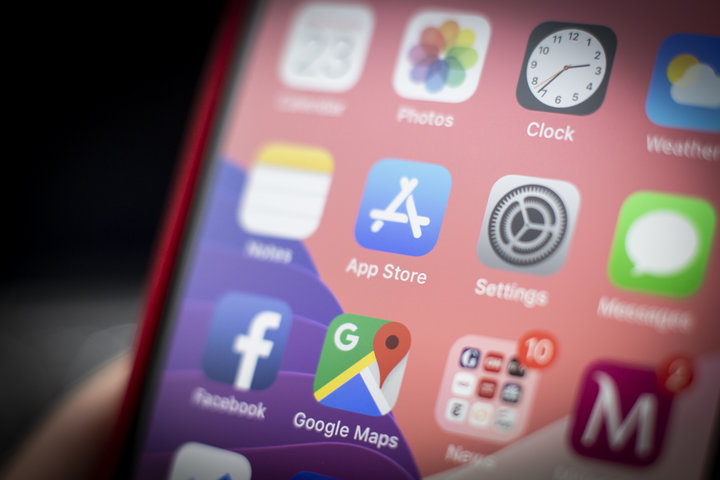
Technically, iOS does include on-screen indicators meant to signal active camera and microphone recording, but they have become less noticeable over time. Large persistent bars at the top of the screen have been replaced by small pill-shaped buttons that sometimes overlap or replace the clock. If the iPhone’s display is turned off, the red pill for microphone recording disappears entirely, and there is no guarantee that a third-party tool like Glassbox will ever flag screen recording — beyond Apple’s threat to penalize violators.
I fully expect Apple to follow through on its promise to remove Glassbox-using apps from the App Store unless they either disclose or eliminate the screen-recording feature. Still, that reaction is a bandage, not a cure, for a company that prides itself on privacy. How long has Glassbox been silently harvesting screen data and enabling companies to collect personal information? How many private FaceTime conversations or sensitive moments were quietly monitored before the FacePalm bug was patched?
To me, the small green LED on Macs remains the ideal solution. When it’s off, it’s invisible and unremarkable. When it’s on, its meaning is instantly clear, and the user can choose to keep it active or turn it off. Provided it always lights up during recording, that simple visual cue would help both users and developers spot potential privacy breaches before they spiral out of control.
Alternatively, we could stick with the current approach — one that has already proven insufficient to safeguard the basic camera, microphone, and screen privacy that users deserve. If we do, we’ll never know when the next serious violation will surface, or how long it has been quietly unfolding.